AI for account managers on client calls
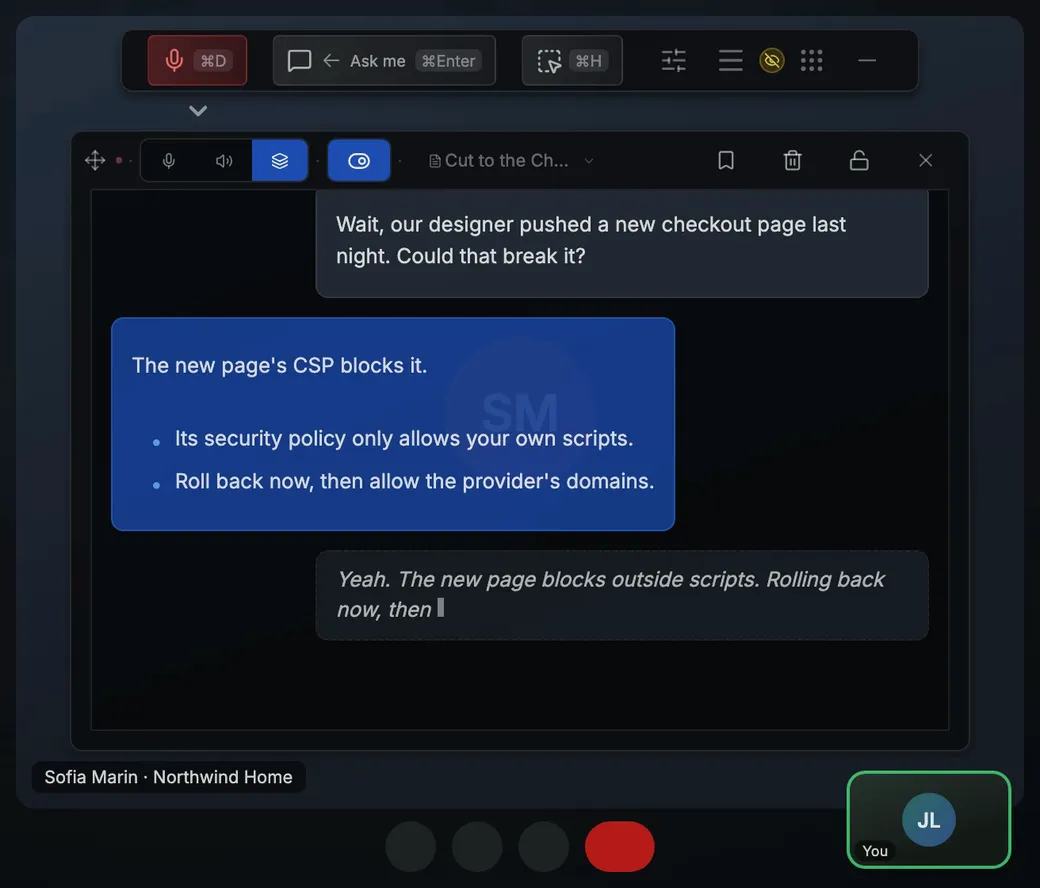
An account call turns on the answer you give in the moment: the renewal price, the ticket the client is chasing, what their usage shows. Arguium runs on your desktop, hears the call, reads what you capture, brings up your own notes and looks things up in Notion, Linear or Jira. It never joins the meeting.
The client raises the renewal
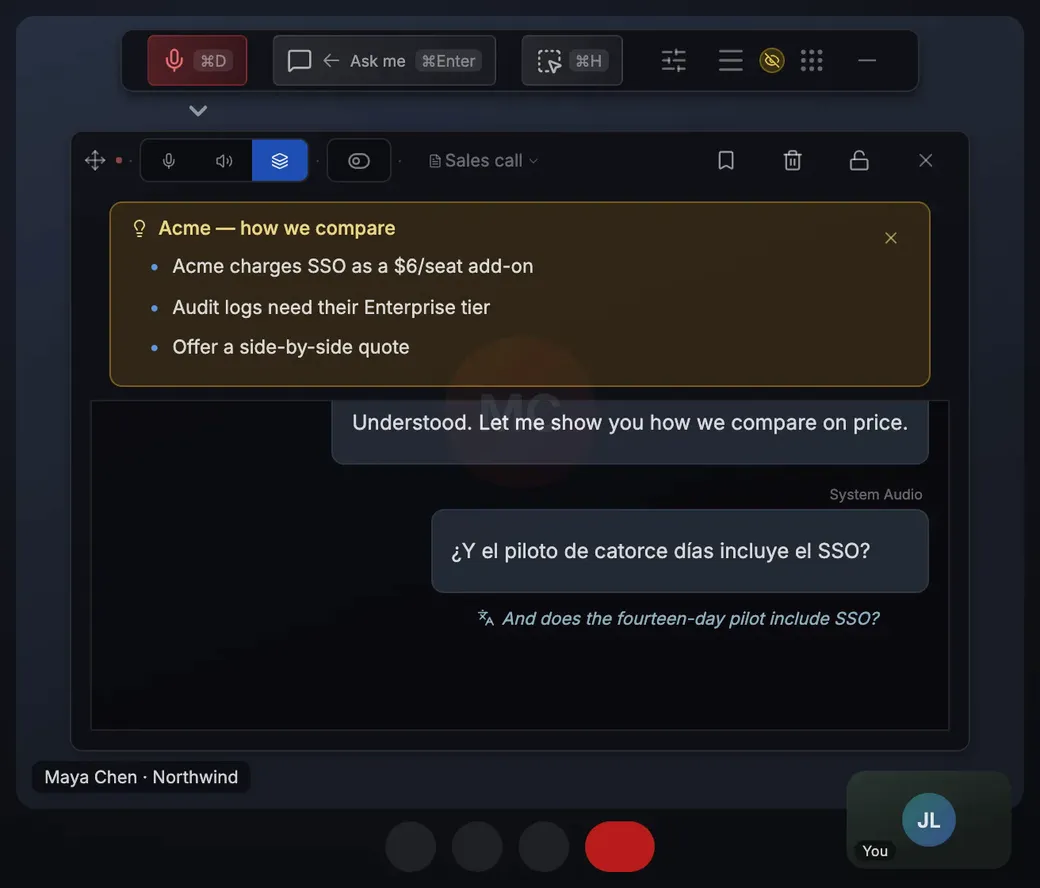
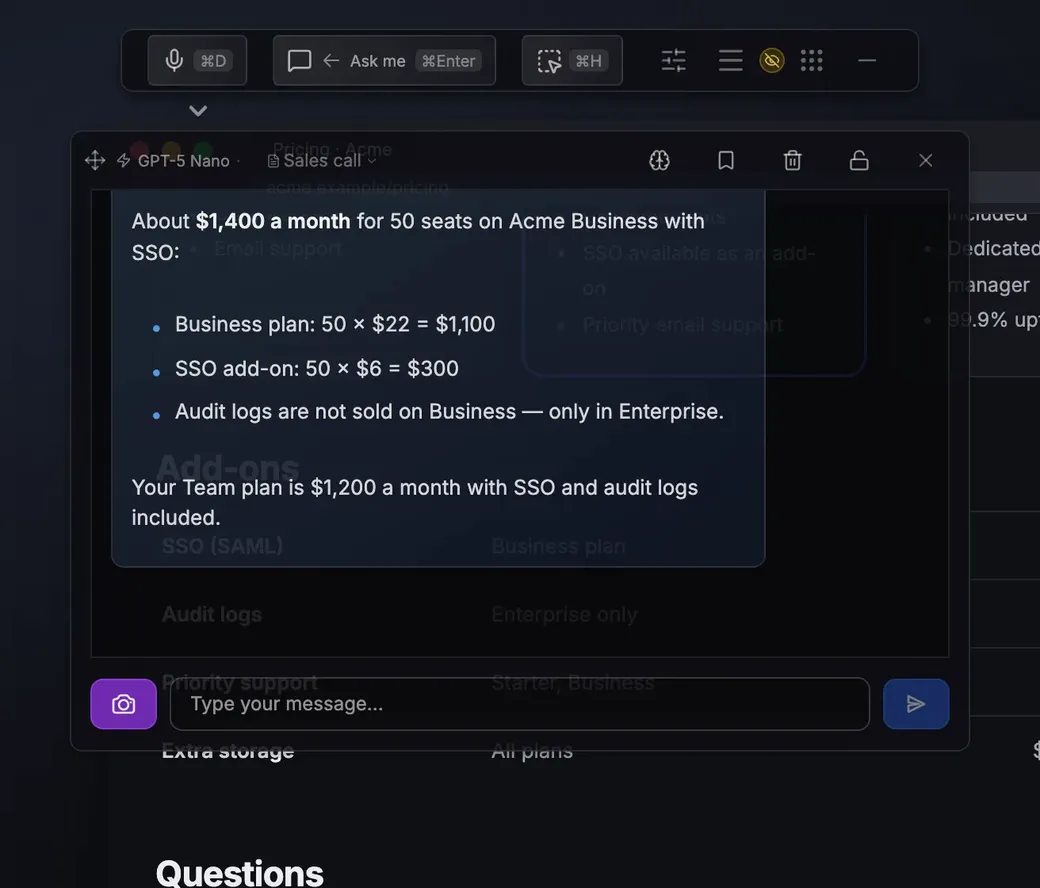
“Can you do anything on price if we renew for two years?” Your Renewal terms card comes up on that line, with the discount you may offer. For a question with no card, voice mode answers on screen while you keep talking; check any figure from an AI answer before you repeat it.
The client chases an open ticket
“Where are we on the export bug?” Select Look up under their line, or press Cmd/Ctrl+Shift+A, and Arguium reads the ticket in Linear, Jira or ClickUp that your account can open, or the account’s notes in Attio, and answers with what it found. Arguium only reads; it never changes anything there. Connect a service in Settings → MCP Servers. Lookups don’t work with your ChatGPT plan or in screenshot answers; in Chat, with Web search on, on some Gemini and OpenAI models, one answer can search the web and look things up, on Arguium’s credits or your own API key.
The client shares a usage dashboard
In a business review, press Cmd/Ctrl+Shift+H (Capture region), drag over their chart and ask which teams use the fewest seats. When the client says “We might need more seats”, your Seats and plans card comes up.
Sample cue cards (card: its words)
Renewal terms: renew, renewal, price, discount, contract
Seats and plans: seats, upgrade, licence, license, tier
Escalation: outage, escalate, downtime, SLA, support
A card comes up when a line from the client contains one of its words, up to three at a time, and then waits two minutes. Write up to 20 in Settings → Personalization → Cue cards, on every plan; matching uses no AI and no credits. More: objection handling.
The settings to use
Set the audio source to System audio so Arguium hears the client; the free plan hears one source at a time. Mic + system (Premium) hears both sides, so cue cards react only to the client. Turn on Questions so it answers only the lines that need it. With Look up my workspaces when I ask on, a question you say that names a connected workspace is looked up by itself. Only your own microphone counts for that, so use Microphone, or Mic + system with Premium, and wear headphones, since your microphone can hear your speakers.
When you share your screen
Phone Mirror (Premium) shows the transcript, answers and cue cards on your phone, end-to-end encrypted. After Allow control on your computer, Hide on computer on the phone takes Arguium’s windows off your screen (with stealth mode on, one small button stays). On Windows, stealth mode (Premium) also hides Arguium from screen sharing in Zoom, Teams and Google Meet; on macOS, results depend on the app.