An AI assistant for consultants on client calls
The hard part of a client call is rarely knowing the answer: it is having the figure, the method or the scope line ready when the client asks, instead of “let me get back to you”. Arguium runs on your desktop, hears the call, reads what you capture and brings up the notes you wrote before the call. It never joins the meeting.
The client asks for a figure
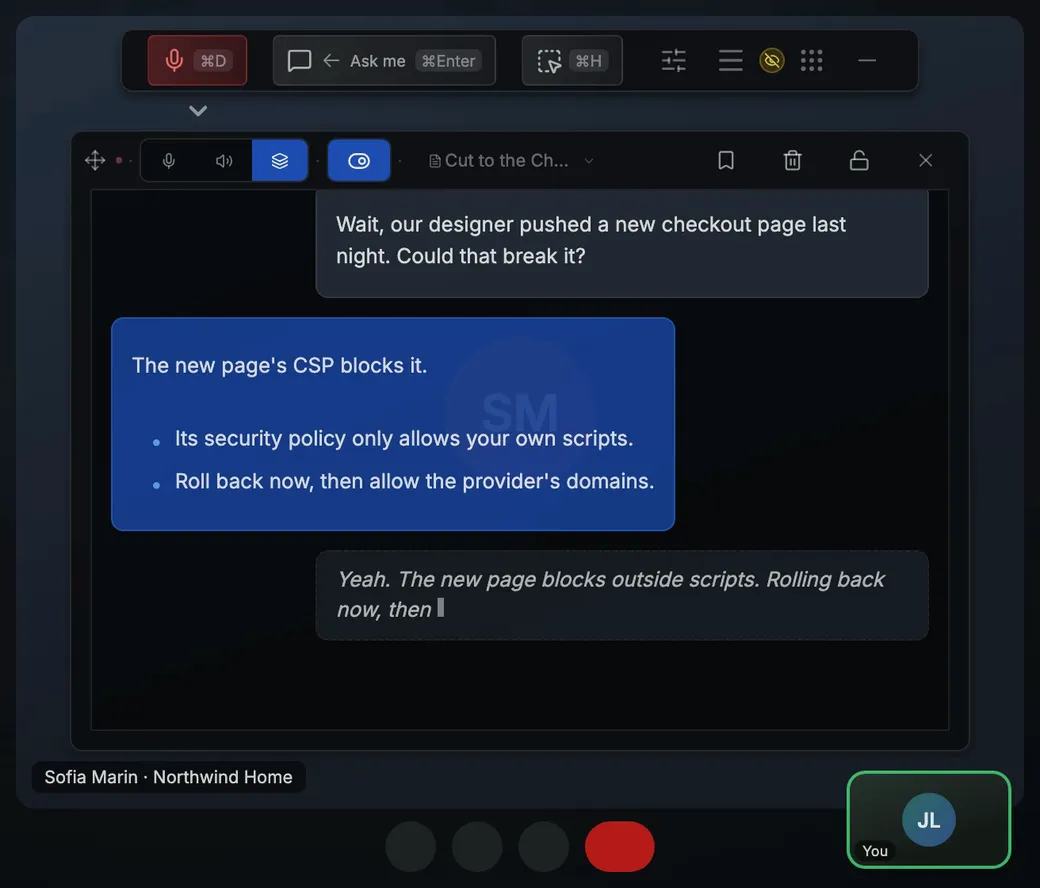
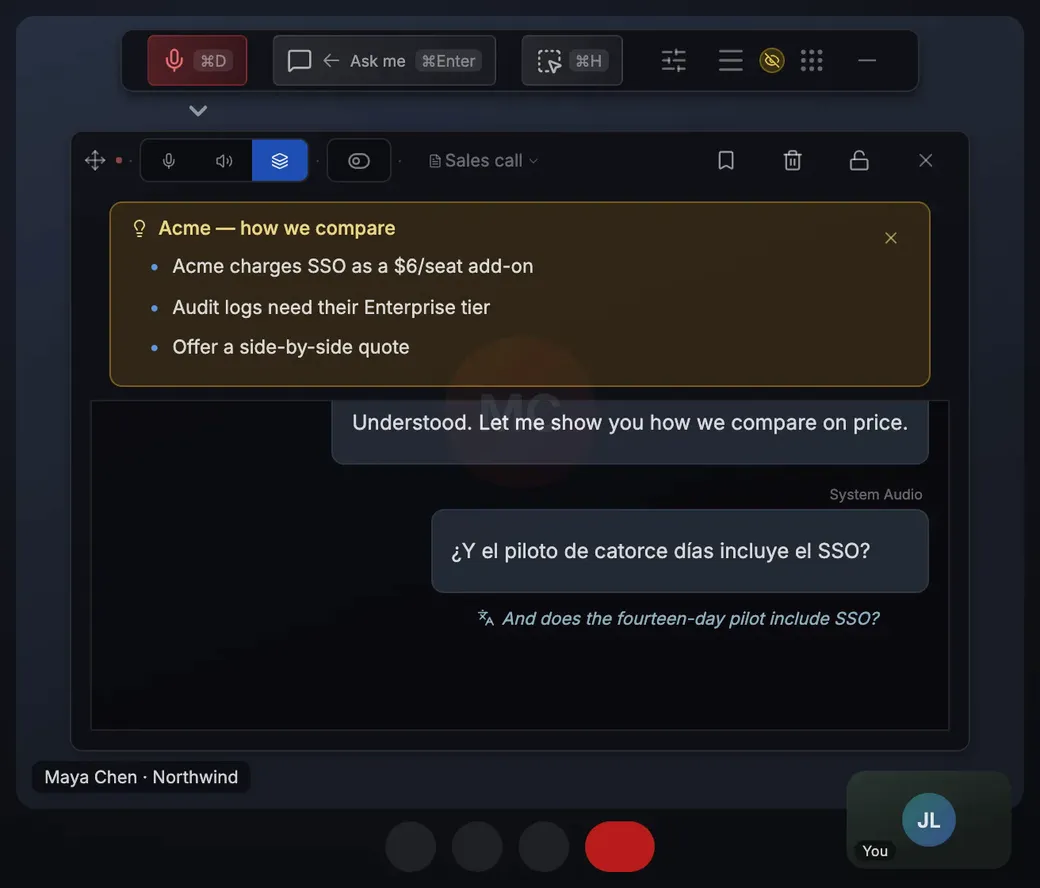
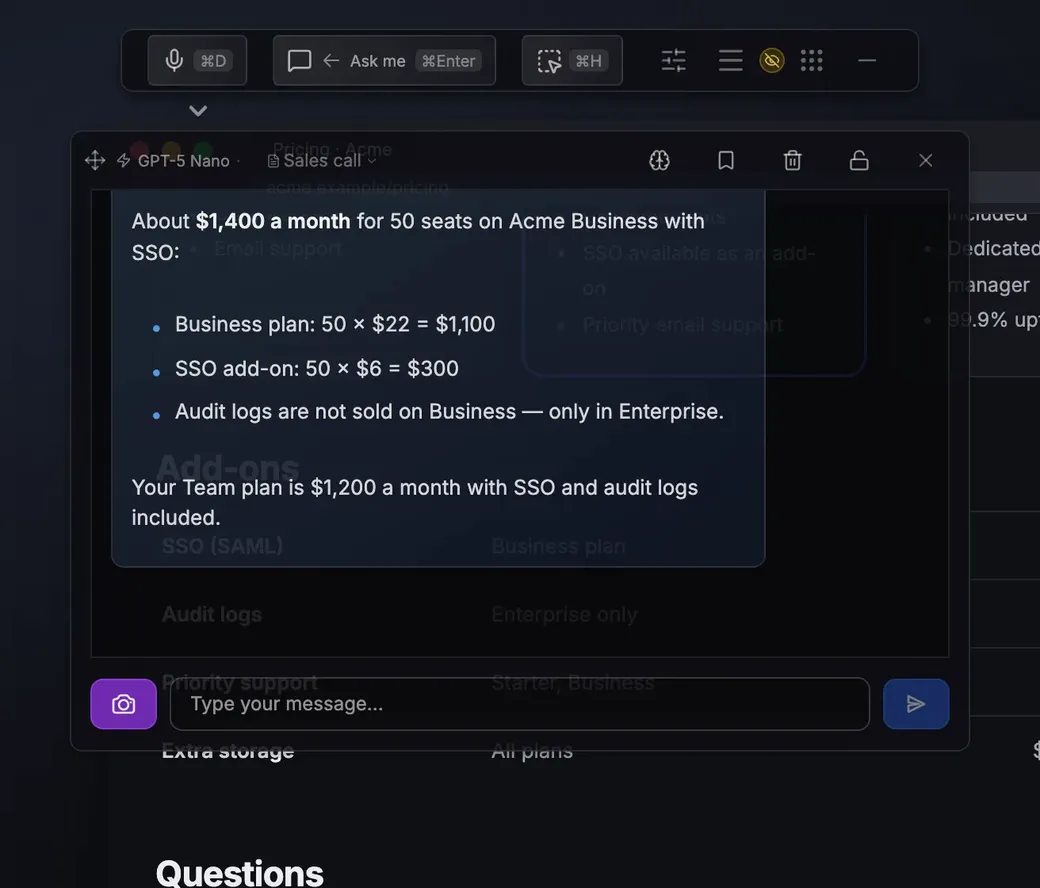
“What do projects like this usually deliver?” Your Past results card comes up on that line. For a question with no card, voice mode answers on screen while you keep talking; check any figure from an AI answer before you repeat it.
The client shares a slide
Press Cmd/Ctrl+Shift+H (Capture region), drag over their table or chart and ask whether the numbers add up. Queue several captures and ask one question across all of them.
A scope or method question
“Is change management included?” Your Rates and scope card shows what each phase includes and what an addition costs. No card for it? Cmd/Ctrl+Shift+A (Answer this) answers the last thing said.
Sample cue cards (card: its words)
Rates and scope: rate, rates, budget, scope, include
Method: approach, methodology, phase, timeline
Past results: result, benchmark, deliver, similar
A card comes up when a line from the client contains one of its words, up to three at a time, and then waits two minutes. Write up to 20 in Settings → Personalization → Cue cards, on every plan; matching uses no AI and no credits. More: objection handling.
The settings to use
Set the audio source to System audio so Arguium hears the client; the free plan hears one source at a time. Mic + system (Premium) hears both sides, so cue cards react only to the client. Turn on Questions so it answers only the lines that need it. Live translation (Premium) shows a client’s other language in yours.
When you share your screen
Phone Mirror (Premium) shows the transcript, answers and cue cards on your phone, end-to-end encrypted. After Allow control on your computer, Hide on computer on the phone takes Arguium’s windows off your screen (with stealth mode on, one small button stays). On Windows, stealth mode (Premium) also hides Arguium from screen sharing in Zoom, Teams and Google Meet; on macOS, results depend on the app.